Checking Drug Interactions
Interaction checking can be performed during a medication review, from Patient Centre in the Medication Record tab.
To perform an interaction check:
- In the medication review, select the Medication Record tab.
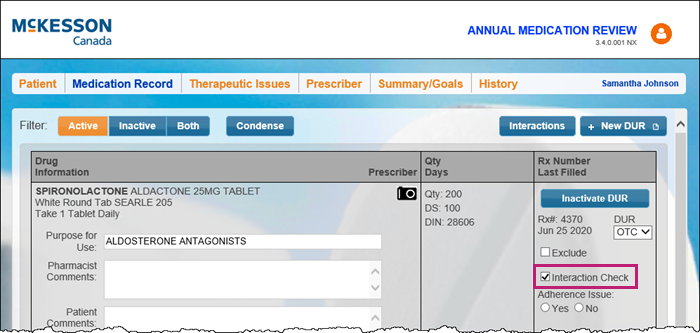
- Select the Interaction Check checkbox for the prescriptions that require the interaction check.
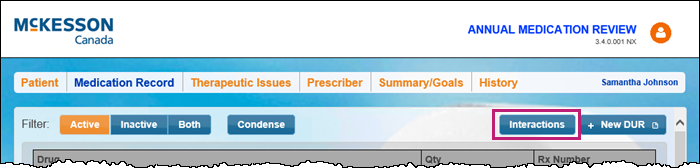
- Select Interactions.
The Drug Interactions window appears.
- Select Add to add other drugs, if required.
- Select Check to perform the interaction check. The interaction results display in the Interaction Summary screen.

Note: The Interaction Summary window displays all drug interactions and associated levels of severity that the patient may experience by taking this prescription (i.e., drug-drug, drug-allergy, drug-food, drug-condition) and is based on the patient information in Nexxsys.
- Select the magnifying glass icon
 to view and print detailed information about the interaction.
 - Select Print or Accept, depending on the requirements.